


Latest Version
v1.0.10
November 21, 2025
ZDevs
Tools
6.34 MB
100,000,000
Free
ru.zdevs.zarchiver
Report a Problem
More About ZArchiver
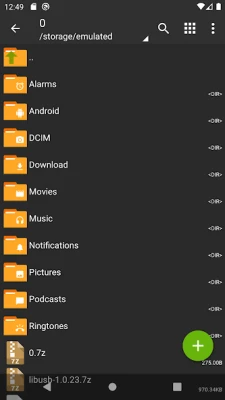
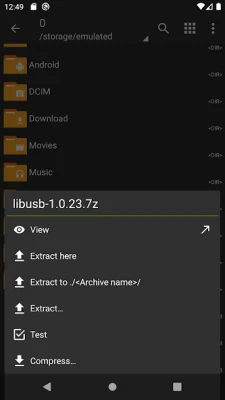
ZArchiver is one of the most powerful and lightweight file management tools available for Android. It allows users to easily compress and extract files in all major archive formats including ZIP, RAR, 7Z, GZIP, TAR, ISO, and more. With its clean interface and fast operations, ZArchiver is perfect for users who frequently handle compressed files on their mobile devices.
The app supports creating new archives, modifying existing ones, splitting archives into parts, and setting password protection for sensitive files. Its strong encryption system ensures that your compressed files remain secure and private.
ZArchiver is highly optimized for speed and performance, offering multi-threading support for faster compression and extraction on multi-core devices. The app allows direct browsing of compressed files without extracting them, saving time and storage space. Users can also create archives with different compression levels based on their needs—fast, normal, or maximum compression.
Beyond compression, ZArchiver works as a complete file manager. It supports copy, cut, paste, rename, delete, and folder creation. Users can open files directly from archives, preview documents, and extract only selected items instead of unpacking the entire file.
ZArchiver also supports UTF-8 and UTF-16 encoding, allowing file names in different languages. It is widely used for installing OBB files, game data extraction, firmware handling, and managing backups.
With its lightweight size, zero ads (in standard version), and robust features, ZArchiver stands out as one of the best archive tools on Android. Whether you are managing files for work, gaming, or personal use, ZArchiver provides fast, secure, and efficient file handling.
Rate the App
User Reviews
Popular Apps










Editor's Choice